Vigero ZX: Non-ELS Fleet Configuration
- Fit
- Add-on
- Lighting
- Non-ELS
- YFT
- 2.5 MB
- YTD
- 2.3 MB
$9.99
Description
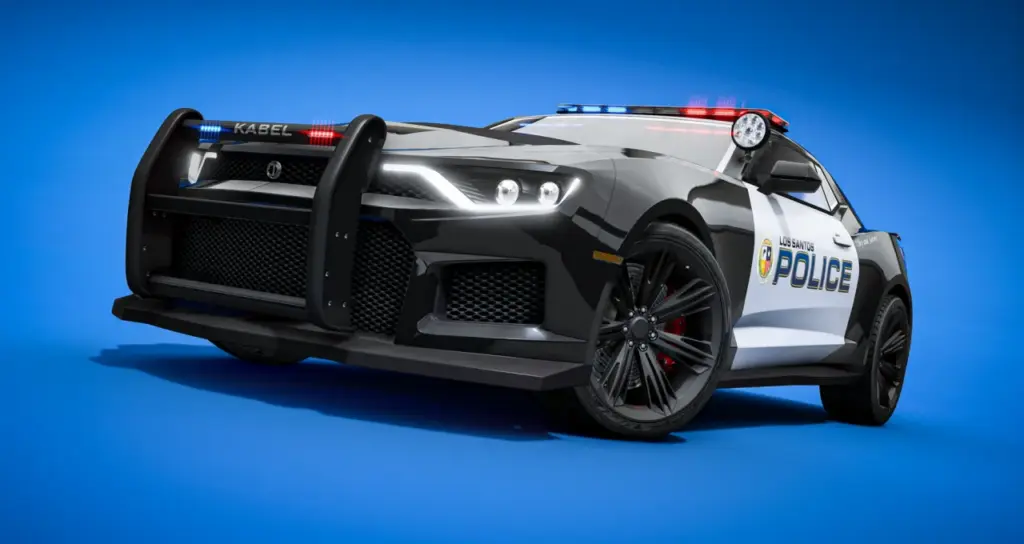
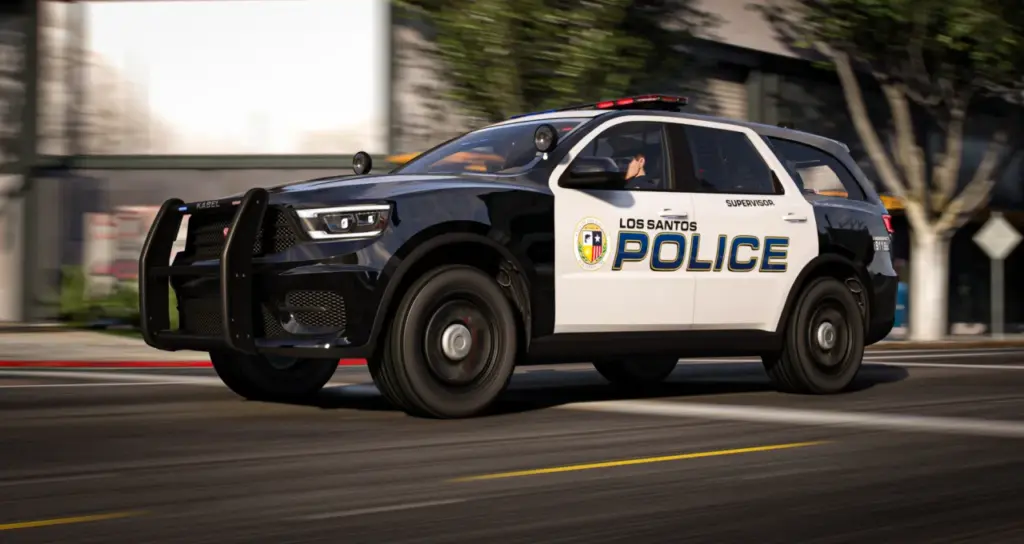
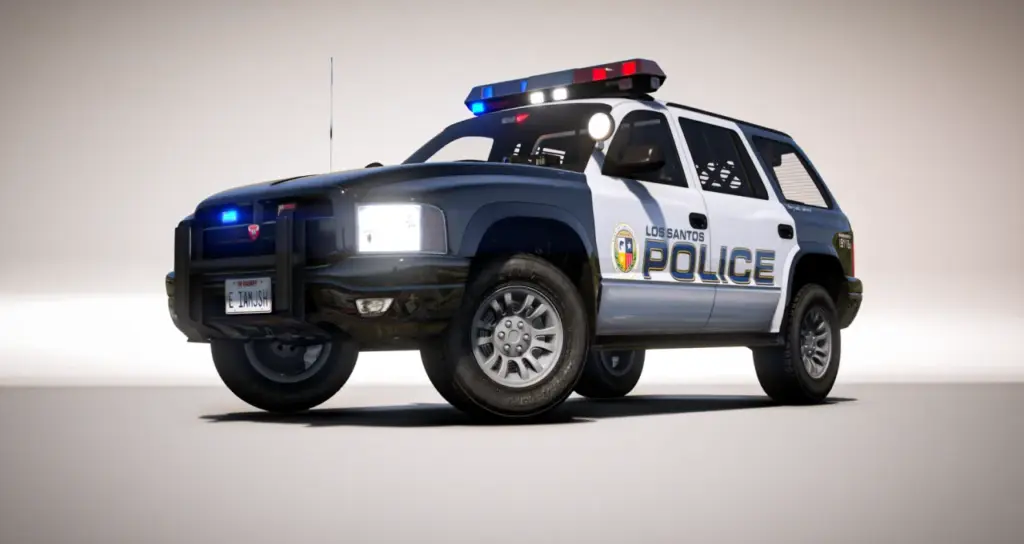
ONX Declasse Vigero ZX Pursuit Interceptor is a lore-friendly non-ELS vehicle for department fleets. JunkyWRX worked on the model, with additional contributions from WiseGuy and Tidemo to this lore-friendly police vehicle. The emergency vehicle is a 2016-2025 Vigero ZX.
The interceptor uses native vehicle controls for its equipment. The car offers 200+ customisation options. They are exposed through labelled extras and modkit categories, allowing a normal customisation menu to select the equipment.
Vigero service configurations
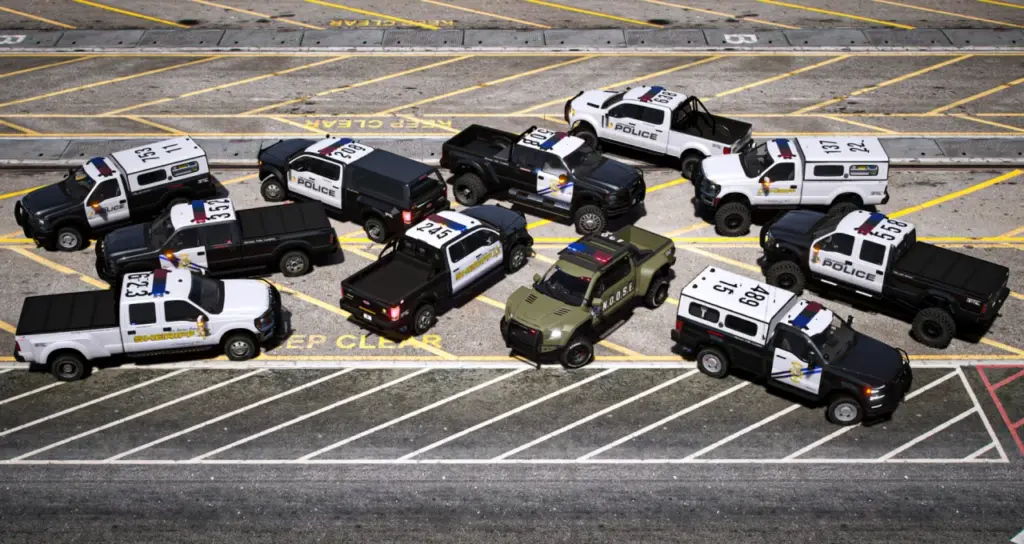
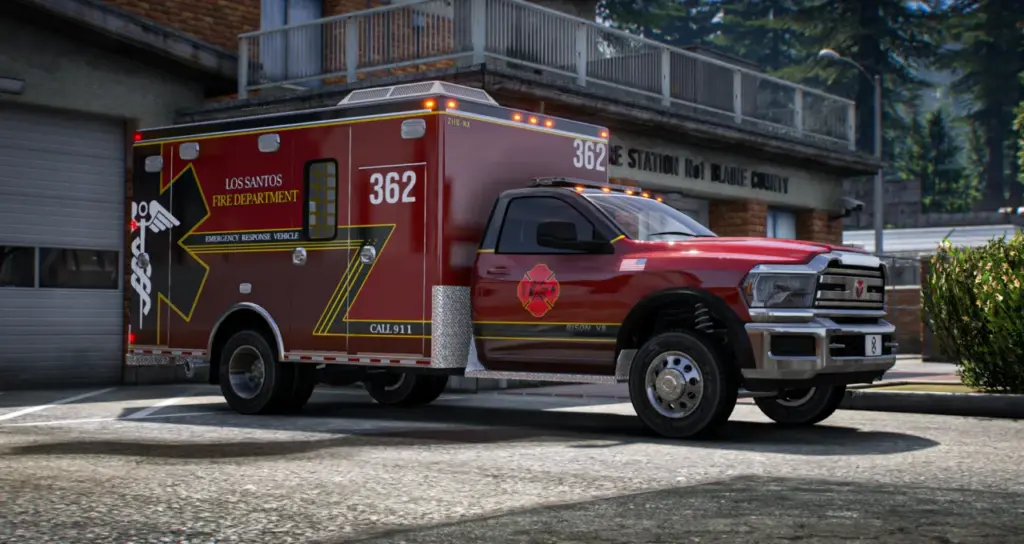
There is 1 model for LEO patrol, EMS, DOC, Federal, Unmarked and Decommissioned roles. Changing the role means selecting equipment and markings, rather than spawning a separate vehicle for each department appearance.
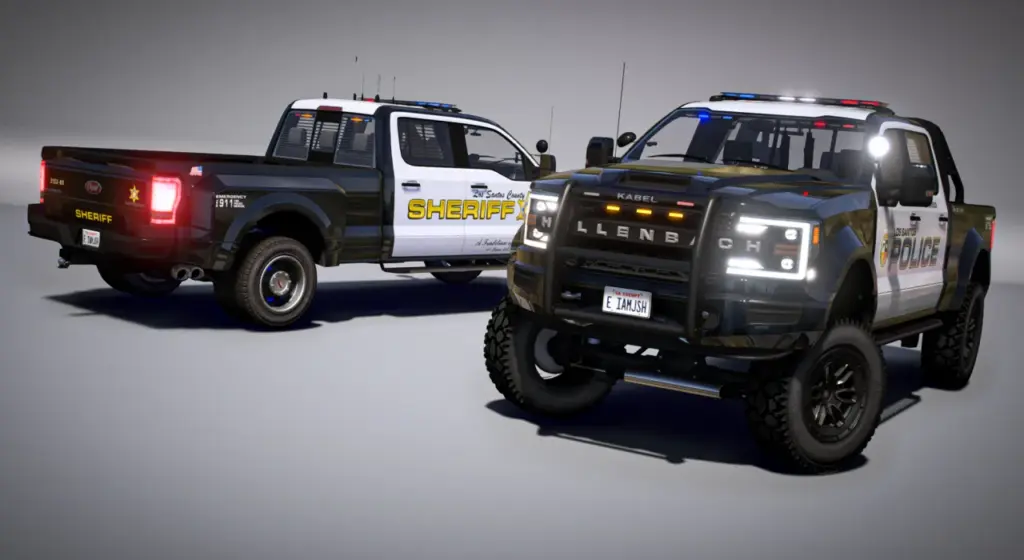
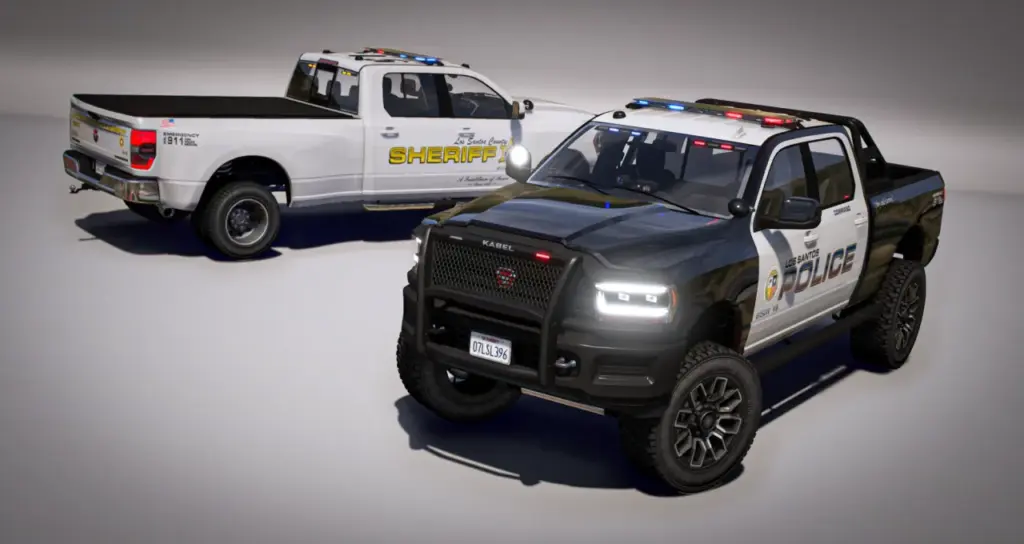
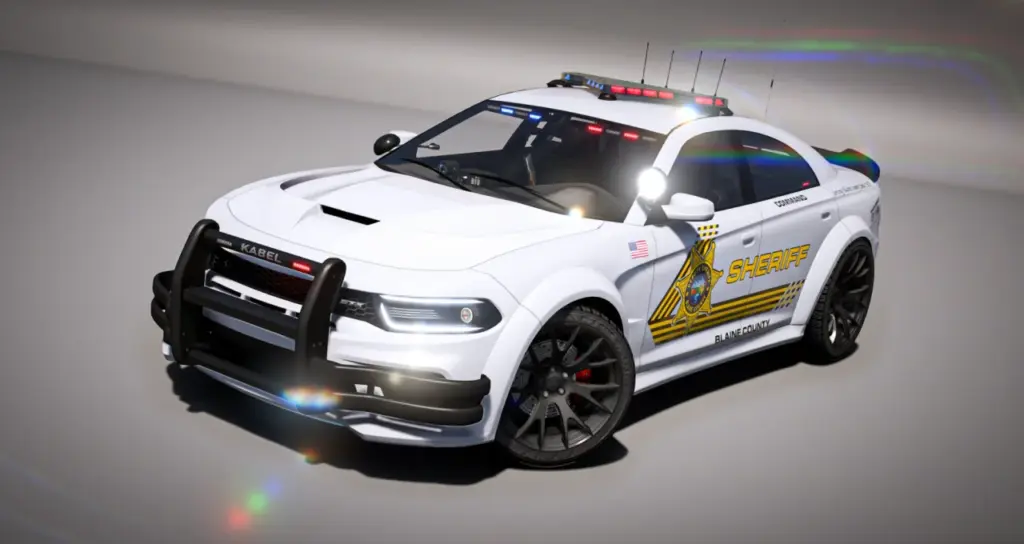
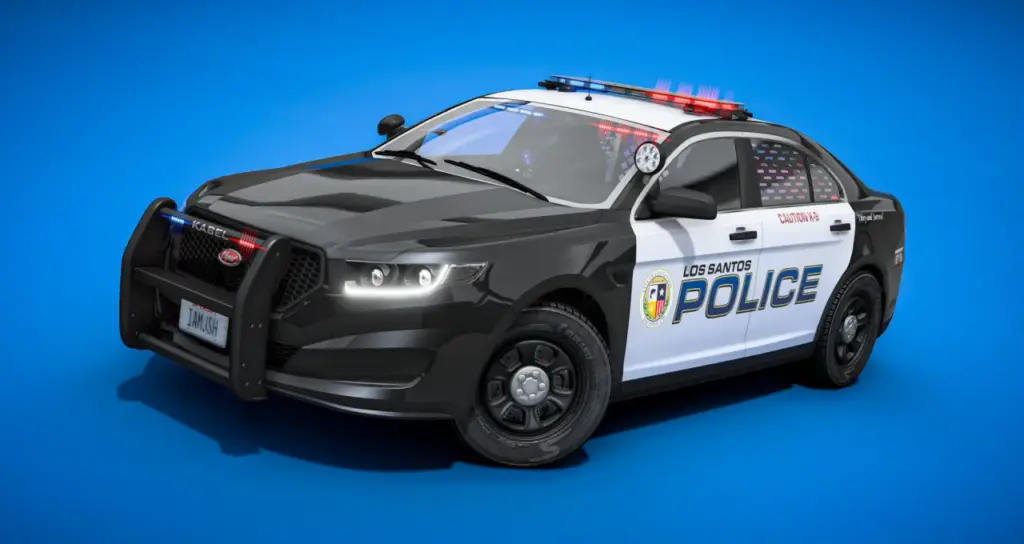
LSPD, LSSD and SAHP liveries are included. They cover city, county and state units. ONX EUP Clothing Pack styling is reflected in the liveries, allowing uniform and vehicle appearances to match. The livery artwork is supplied at 2K resolution.
Paint may be single-colour or two-tone, independently of the livery. A colourable 5-digit callsign system is included and can be edited for unit identification. Both paint and callsign settings remain distinct from the department artwork.
Role markings
The Vigero has 16 unit-tag choices. Colourable and red reflective versions are available, with the following labels among the supplied selection:
- Command and Supervisor tags.
- Paramedic and Warden tags.
- Gang Unit and SWAT tags.
- Caution K9 and K9 tags.
These labels identify a vehicle’s assignment while its callsign distinguishes the individual unit. They can be combined with the supplied department liveries, allowing the same body to represent different duties within a fleet.
Emergency lighting and exterior choices
The non-ELS lights use synchronised patterns. Players do not need a client ELS dependency for the lighting, and role changes do not require duplicate-model arrangements.
Lightbar choices include ALPR attachments. Slicktop and undercover alternatives are also supplied. Ram bars vary by jurisdiction, while the player can control the spotlights. Regular, specialist and tactical wobble antennas cover city, county and state equipment styles.
The exterior components are part of the universal ONX fleet library. Their appearance matches ONX EVP and Gabz-aligned vehicles, including common lightbars, antennas, cages, consoles and tags. This lets the Vigero’s equipment follow the same visual direction as the rest of that fleet.
Interior selection
Interior equipment totals 50+ loadouts. These combine radio and laptop arrangements with console and siren-controller choices. Dash radar accompanies gun racks positioned at the roof and inside the trunk. These components are selected through the native extras and mod categories.
The overall customisation menu also covers cages, trunk choices and unit markings. Labels identify the available extras in game. A separate proprietary UI is unnecessary where the existing menu supports the required native controls.
Handling and model construction
Custom handling blends RP realism with arcade balance. Rockstar-style dirt mapping and crash mapping form part of the vehicle’s visual behaviour. Full LODs and compressed textures accompany the polygon counts.
YTD textures reach up to 1024×1024, with embedded liveries up to 2048×2048. The texture dictionary contains 50 textures, accompanying 2K artwork for the city, county and state departments.
The body mesh has 114,762 polygons at L0 and 1,669 at L4, through the intermediate detail stages. The high-detail drawable is 2.5MB and the standard drawable 1.9MB. The YTD is 2.3MB, and the vehicle has 69 YFT mod parts below 0.5MB.
Common fleet library
The shared component library contains 227 YFT mod parts at 35.21MB. The L0 maximum is 9,451 polygons, and all mod parts include L0-L2 detail stages. This common resource is used across other ONX standalone vehicles as well as the Vigero.
Shared equipment creates a consistent fleet appearance across the ONX standalones. The Vigero’s own body and textures accompany common lightbars, antennas, consoles, cages and tags.
FiveM setup
Installation of the standalone Vigero add-on uses drag-and-drop deployment followed by the usual start order. It works with common frameworks and menus that expose the native options. The vehicle files and equipment in this resource have no encryption layer.
- Create the folder
[onx_vehicles]within the server resources directory and place the ONX resources there. - Use
ensure [onx_vehicles]inserver.cfgto start the folder. - Select liveries and equipment through the vehicle customisation menu.
- Expose
VMT_LIGHTBARfor the custom lightbar and ALPR settings.
Game Build 3095 is required for those custom lightbar-category features. Other vehicle options remain available without that category, but the ALPR and custom lightbar layer depends on the build.
Package documents and terms
Livery templates, install tutorials and guidance are included for department branding. Support is available. The ONX Development Team built the Vigero ZX; JsH supplied the showcase screenshots.
The terms prohibit resale, reuploading and rebranding of the base assets, except for liveries and textures. Redistribution is also prohibited.
Vigero technical inventory
- 227 yft mod parts: 35.21MB
- L0: Max 9,451
- Mod-part LOD coverage: L0-L2
- onx_polvigero_hi.yft: 2.5MB
- onx_polvigero.yft: 1.9MB
- onx_polvigero.ytd: 2.3MB
- 69 yft mod parts: < 0.5MB
- L0: 114,762
- L1: 33,315
- L2: 17,583
- L3: 8,836
- L4: 1,669
- YTD maximum resolution: 1024×1024
- YTD texture count: 50
- Embedded livery resolution maximum: 2048×2048
The supplied package combines the Vigero, department liveries, shared equipment and documentation. Native configuration keeps those fittings accessible through the vehicle menu in game.
Included templates and installation guidance assist with department graphics.
Native choices also cover slicktop and undercover configurations for the same interceptor.
Reviews
There are no reviews yet.